Sell online and at the counter.
Your website, your checkout and your deliveries in one back office. The same products, the same customers, in dirhams.
Already on MODO? Open the back office
- 20theme templates, five per type of site
- 12checkout templates, one per trade
- 3storefront languages: French, Arabic, English
- 1back office for the site, the checkout and deliveries
One store, wherever you sell.
Your storefront is live in four screens.
Business, organization, style: the store answers at your-name.genytri.online. Each order arrives with the customer's phone number, ready to confirm.
- Store, parapharmacy, pharmacy or landing page
- Visual editor, and Liquid code when you want it
- Abandoned carts followed up by e-mail
The checkout sells the same catalogue.
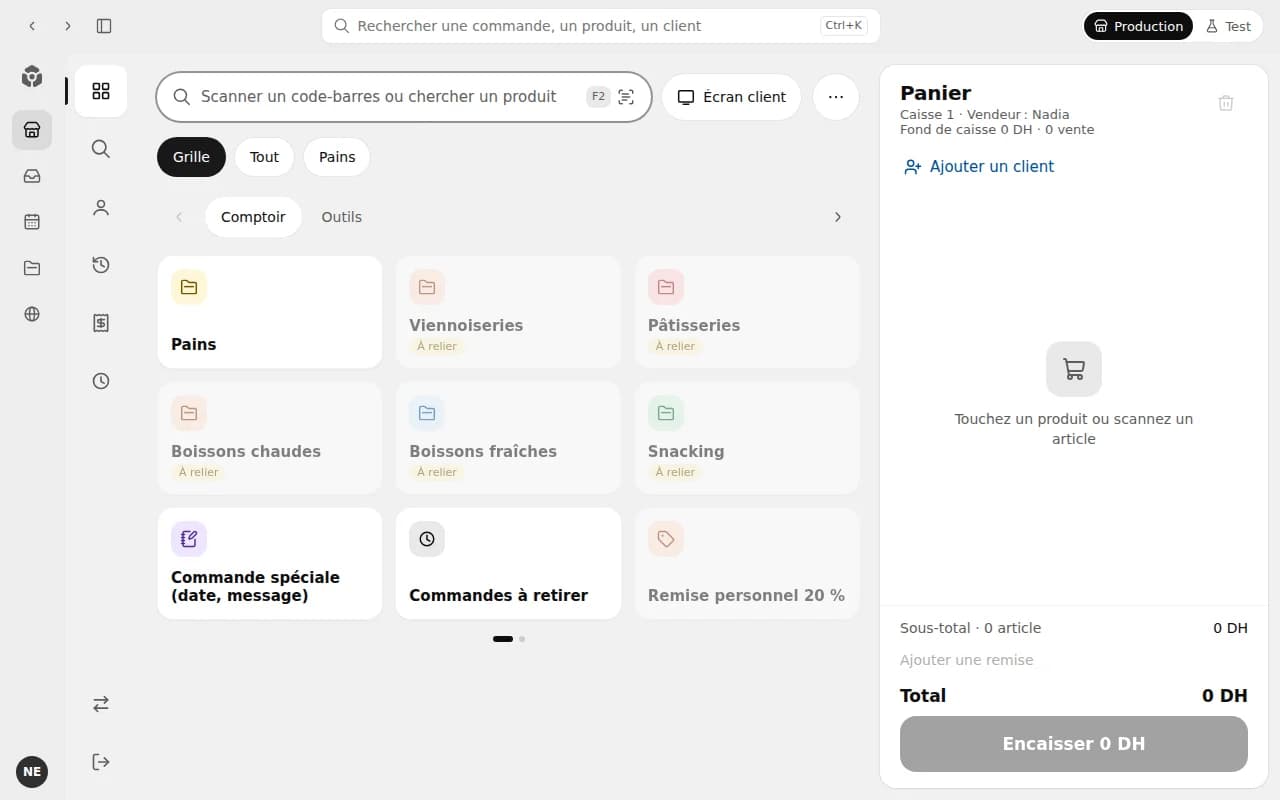
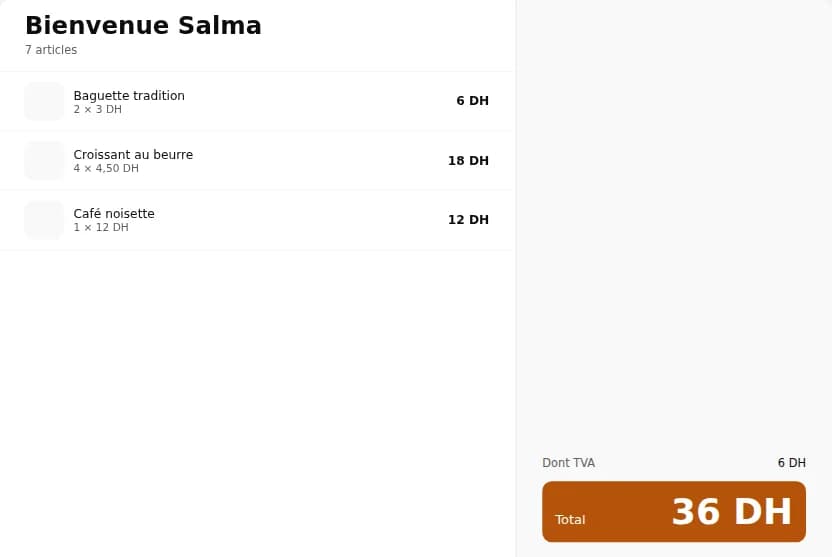
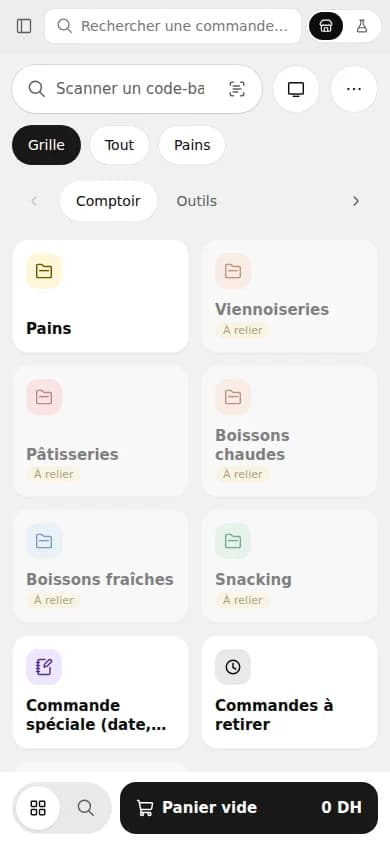
A tablet, a barcode scanner and your grid of tiles. While you take payment, the customer display shows the cart and the total.
- Grid in pages: bread, pastries, drinks…
- Parked carts, X report, Z closing
- Customer display: idle, cart, receipt, thank you
Your store fits in your pocket.
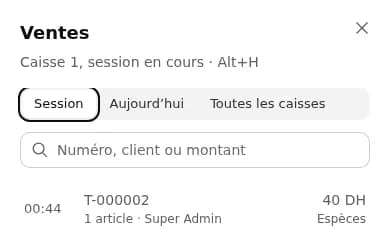
The checkout also runs on a phone. Alt+H opens the sales history, and questions asked on the storefront land in Support.
- Checkout on a phone, same grid
- Sales history for the session, the day or every register
- “Chat with us” on every storefront page
20 storefronts, ready to dress.
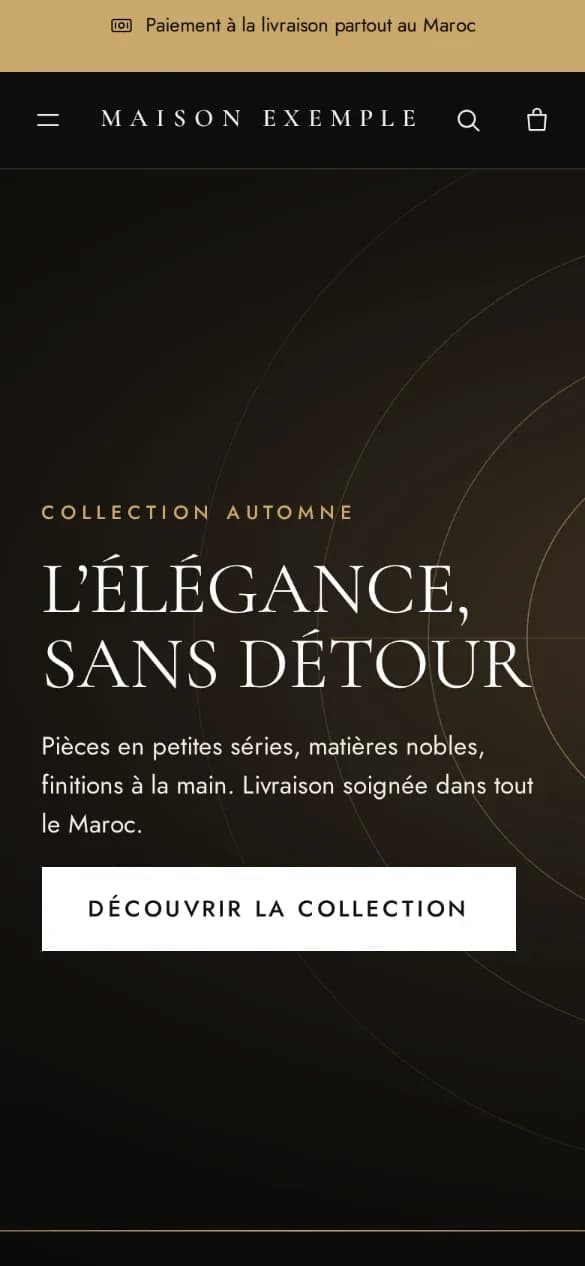
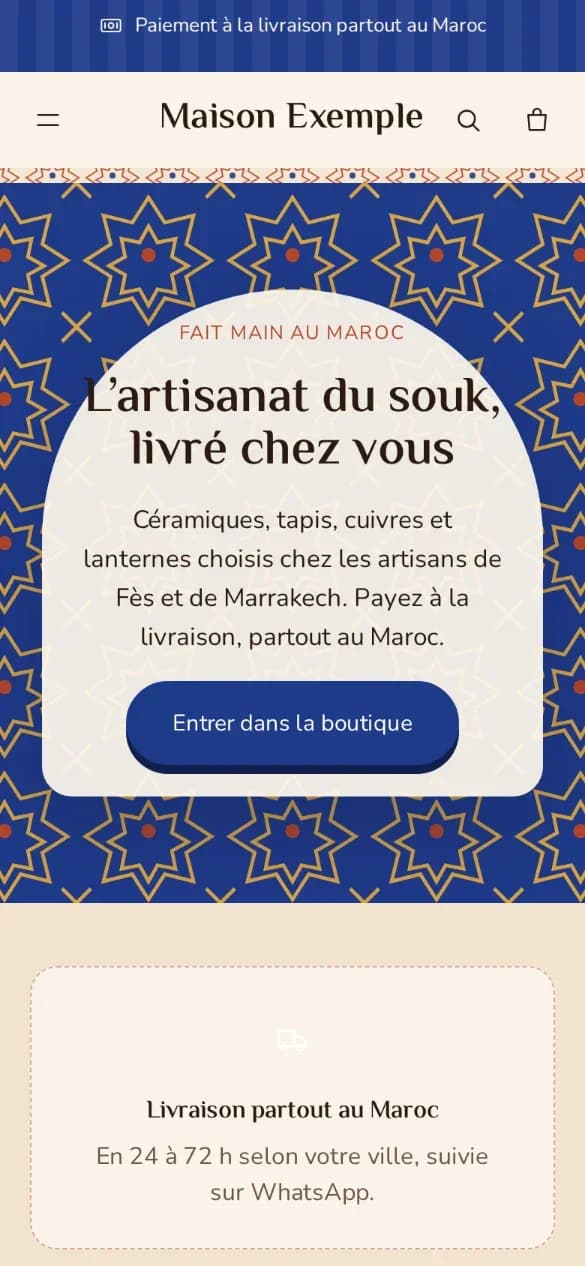
Five templates per type of site. Colours, fonts and sections change in the editor, with a live preview.
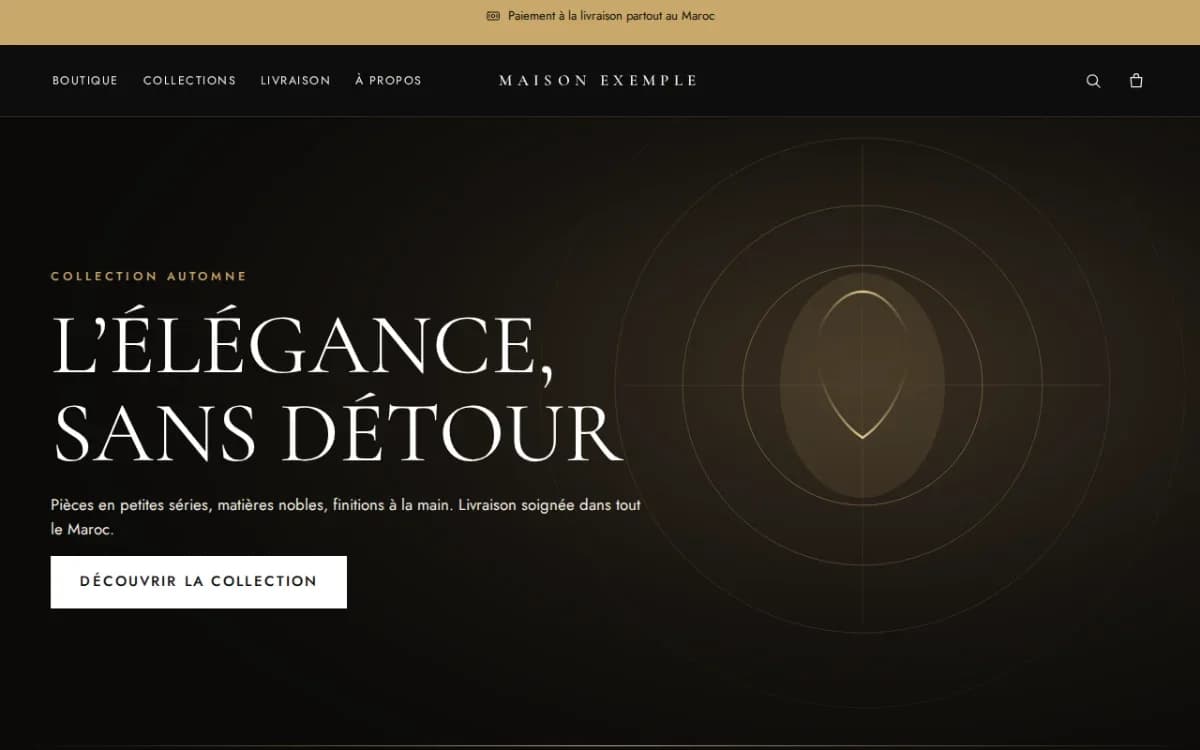
GalerieStore
Dark luxury, pale gold and capitals
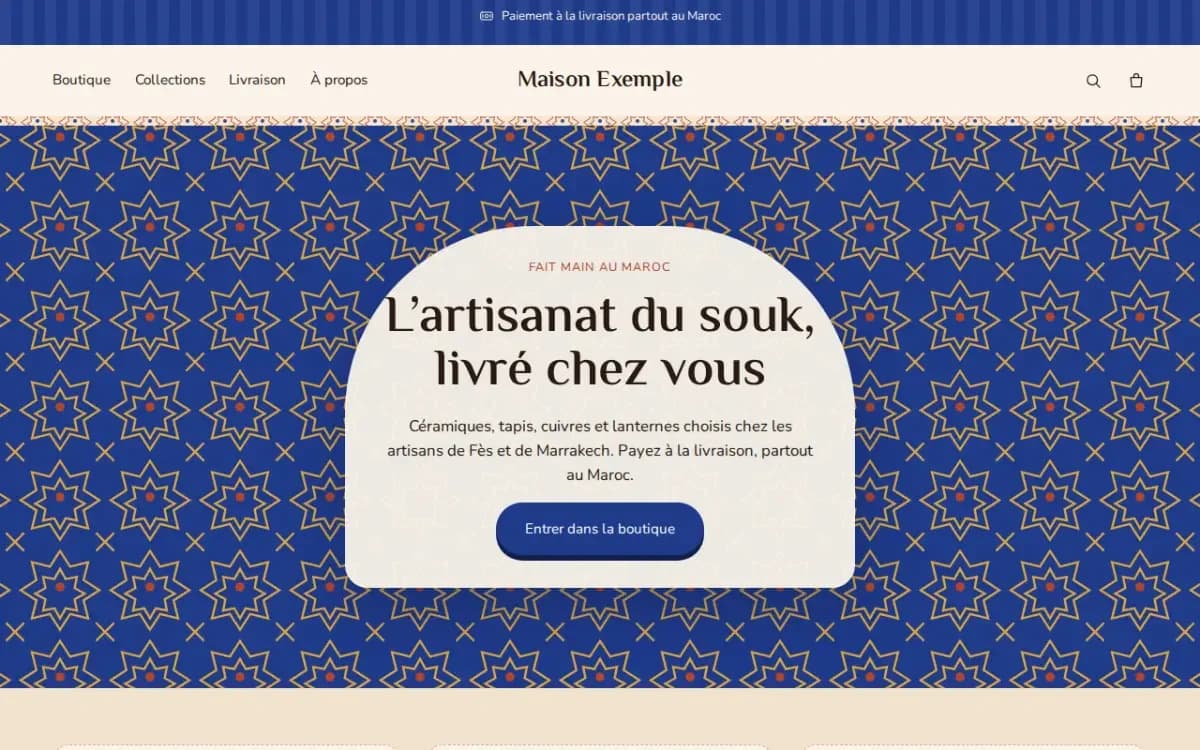
SoukStore
Zellige and Moroccan arches
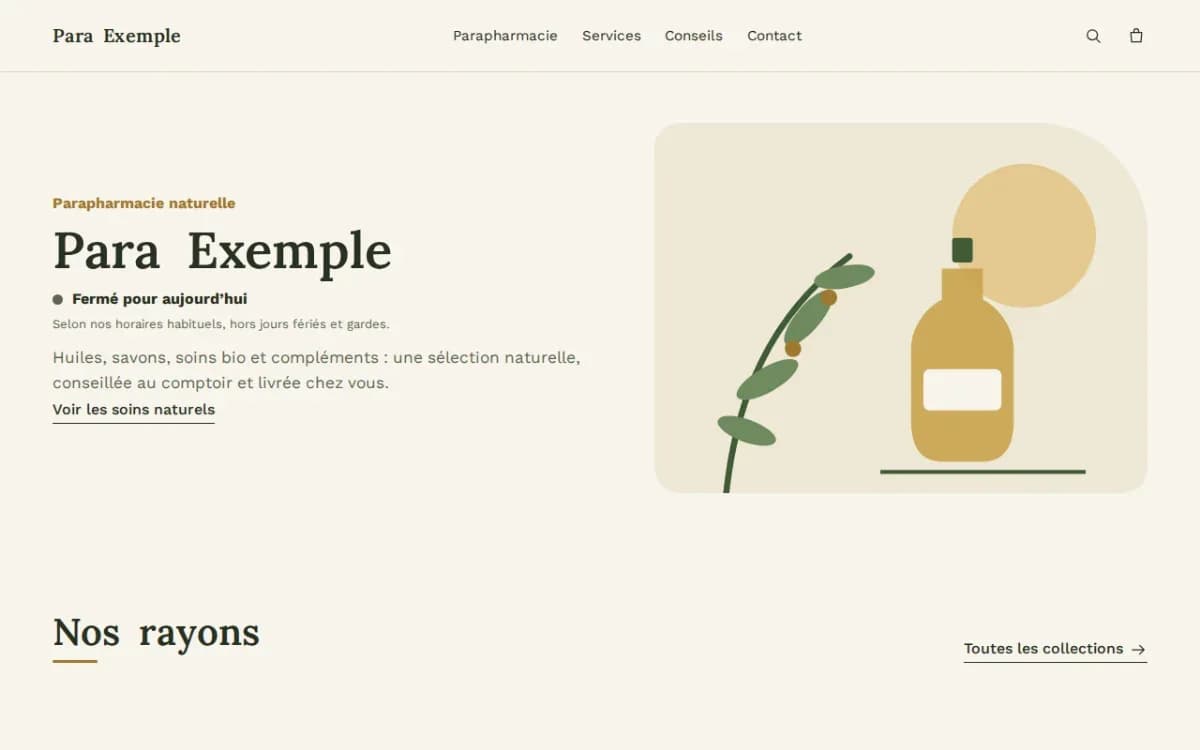
ArganParapharmacy
Natural and organic, olive and argan gold
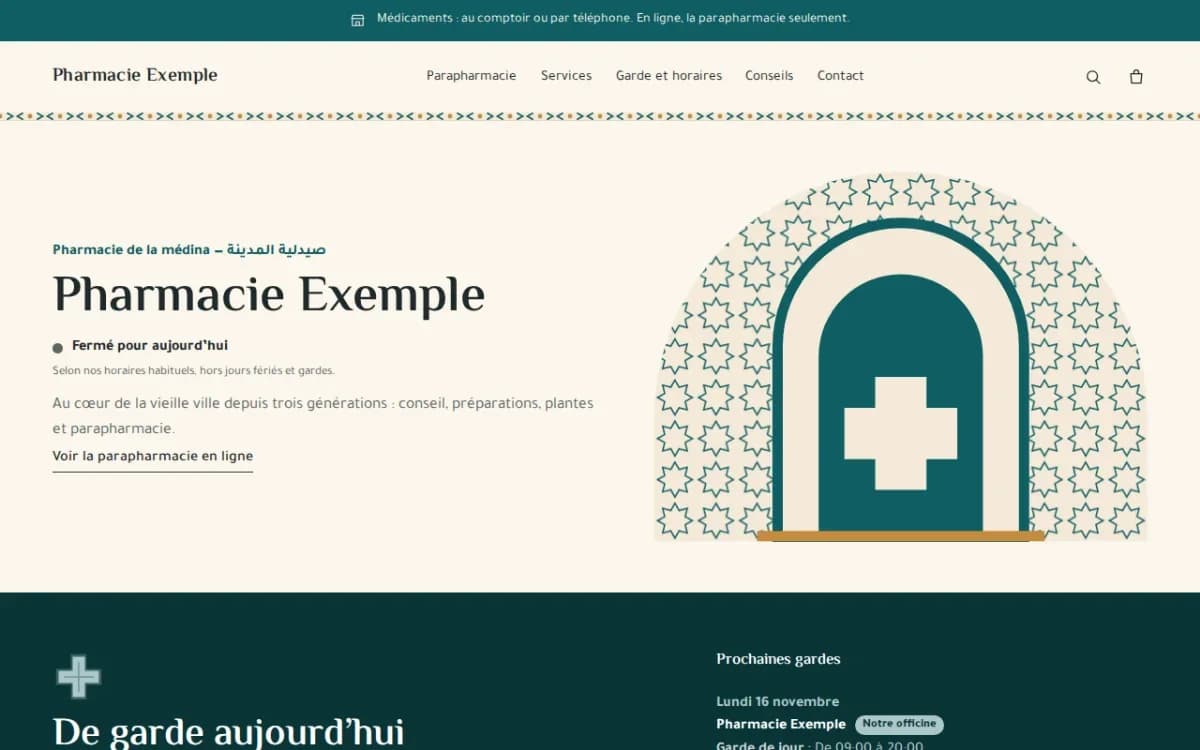
MédinaPharmacy
Traditional, arched door
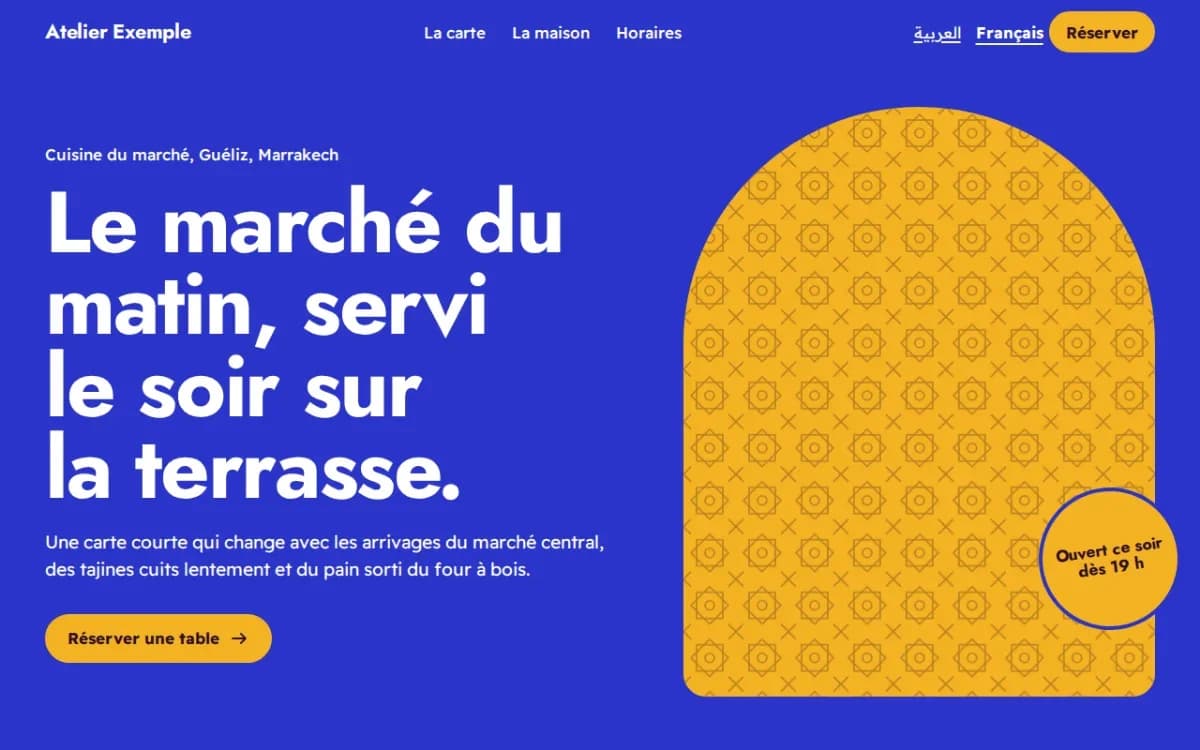
FanfareLanding
Visual and festive
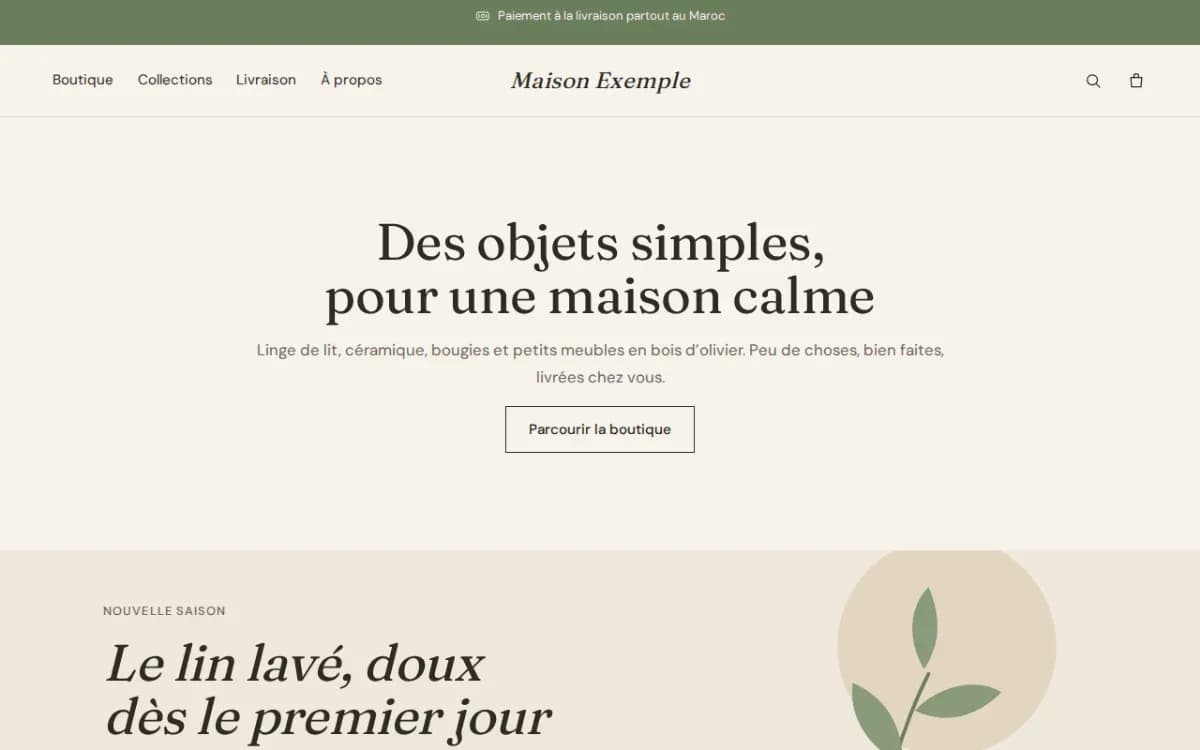
LinStore
Soft and natural, lots of air
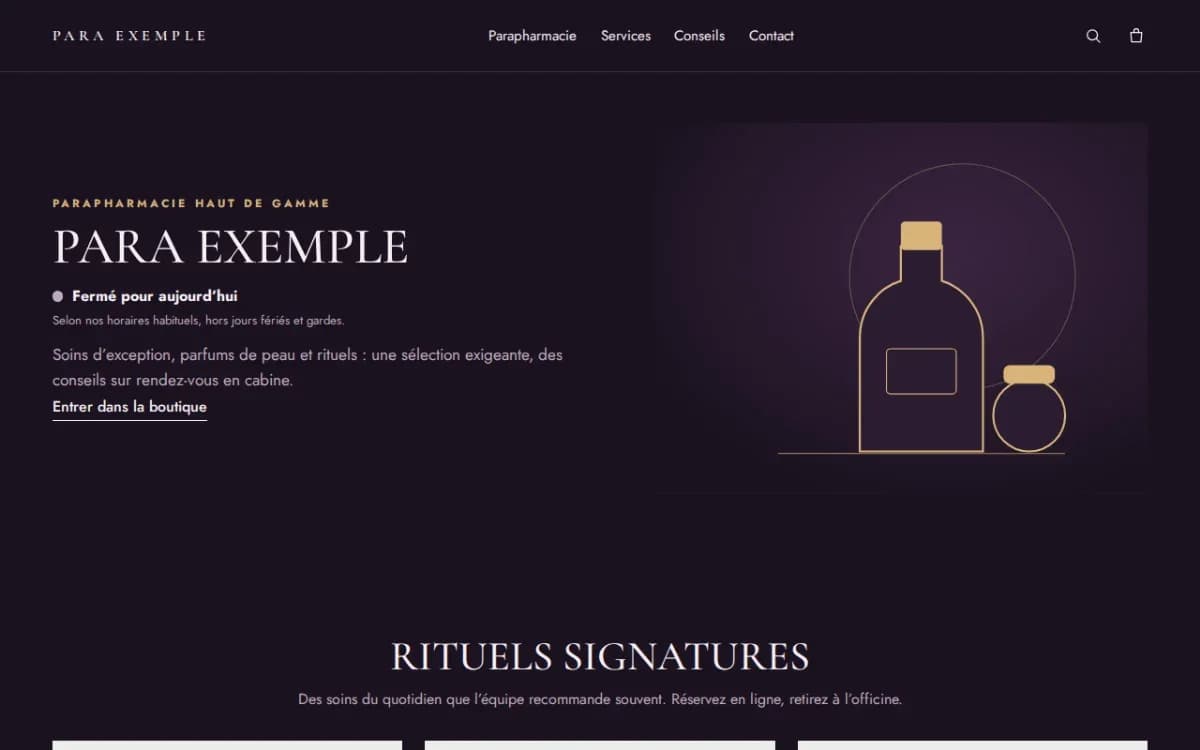
VeloursParapharmacy
Dark luxury, plum and gold
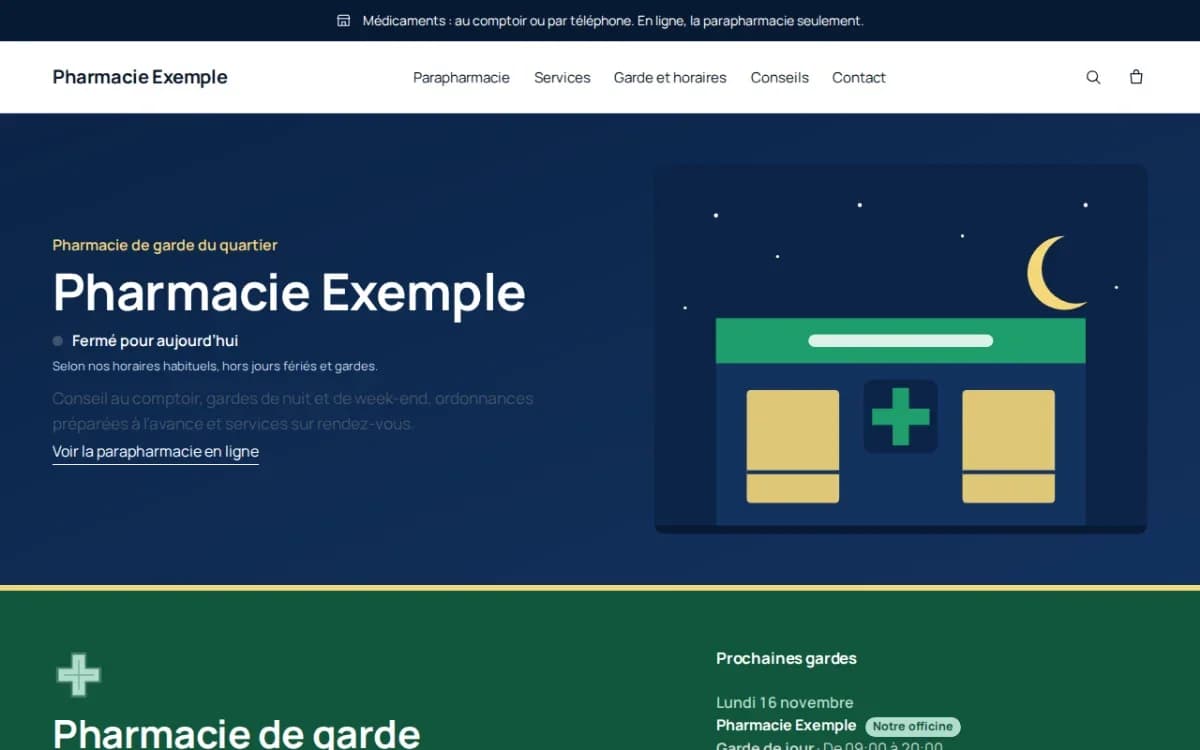
GardePharmacy
Night blue, on-duty first
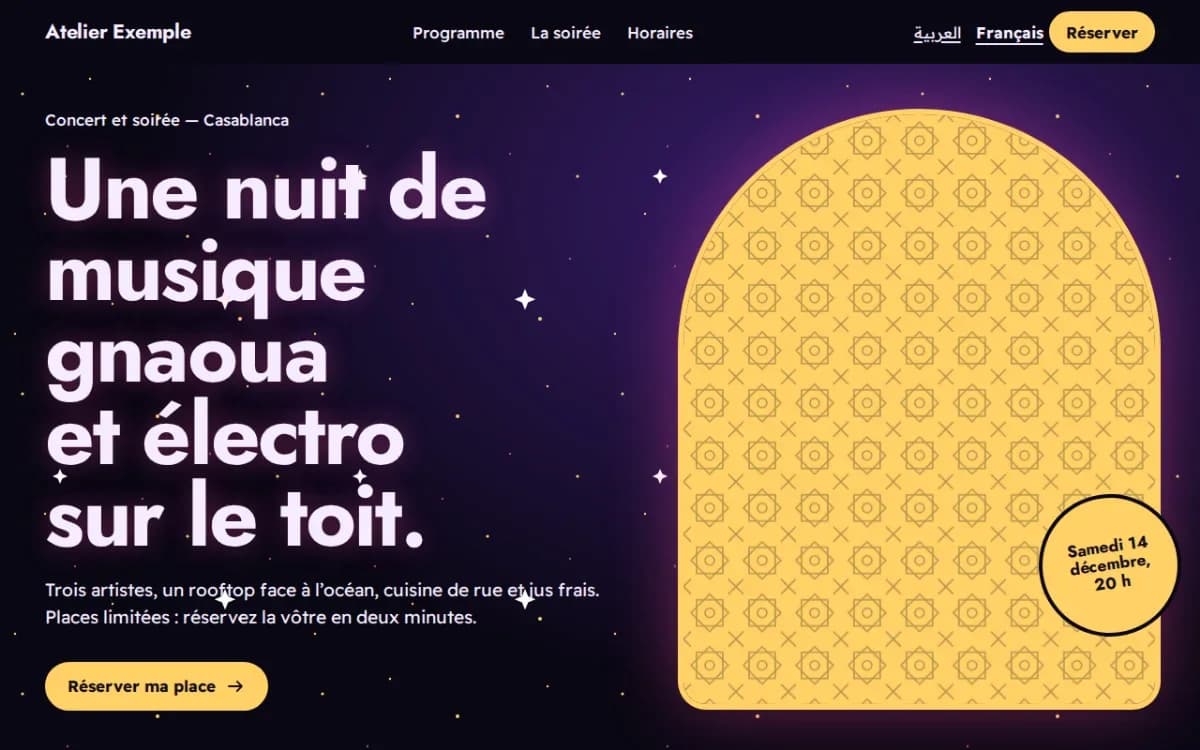
SoiréeLanding
Violet night, pink neon and gold
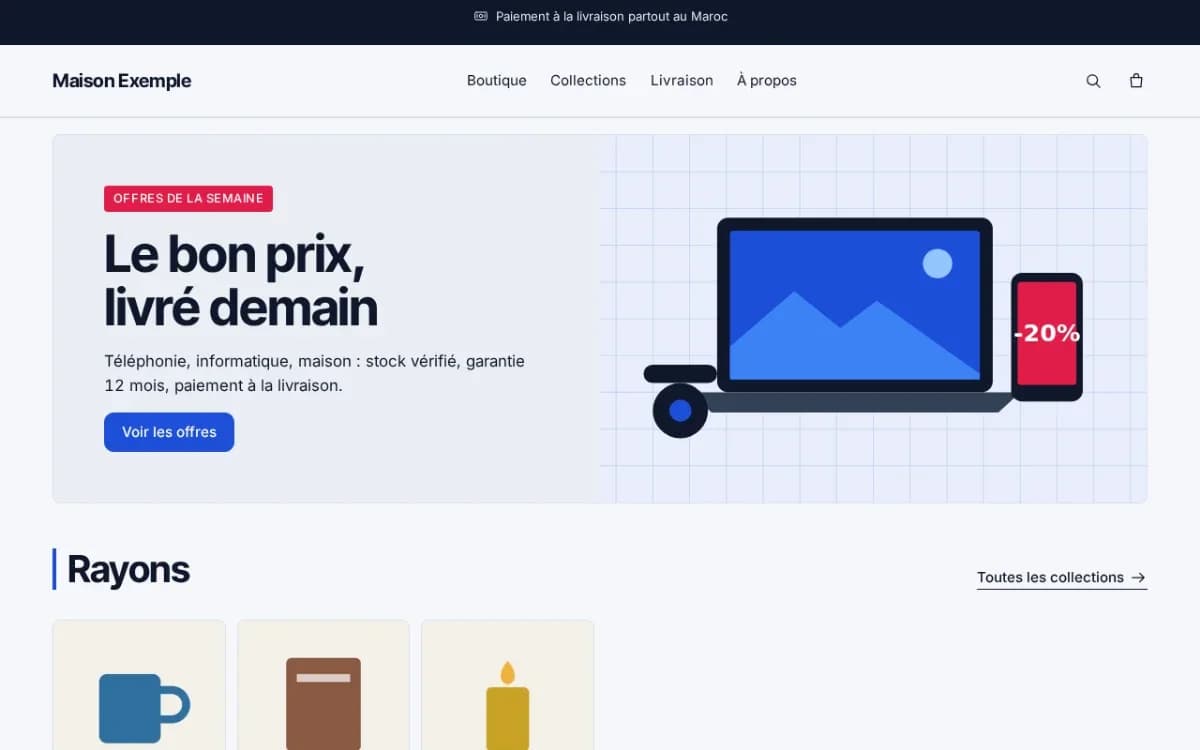
ComptoirStore
Dense catalogue, prices up front
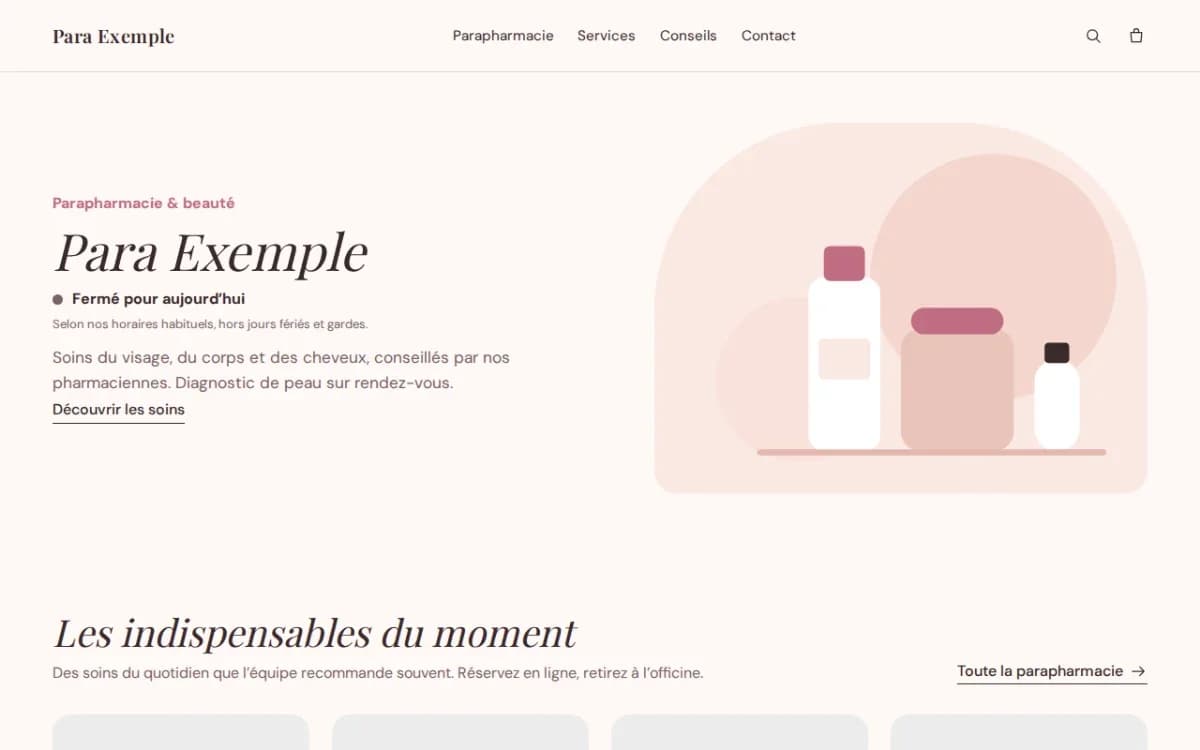
PoudreParapharmacy
Soft beauty, powder tones
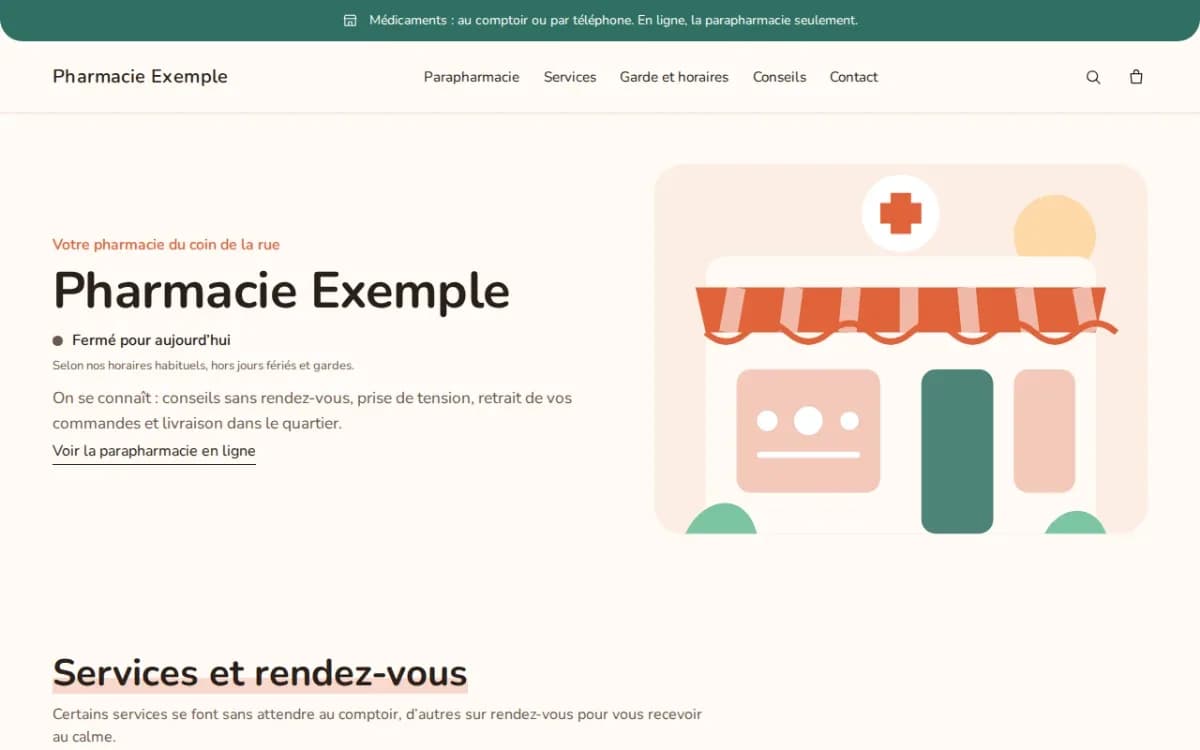
QuartierPharmacy
Warm and round
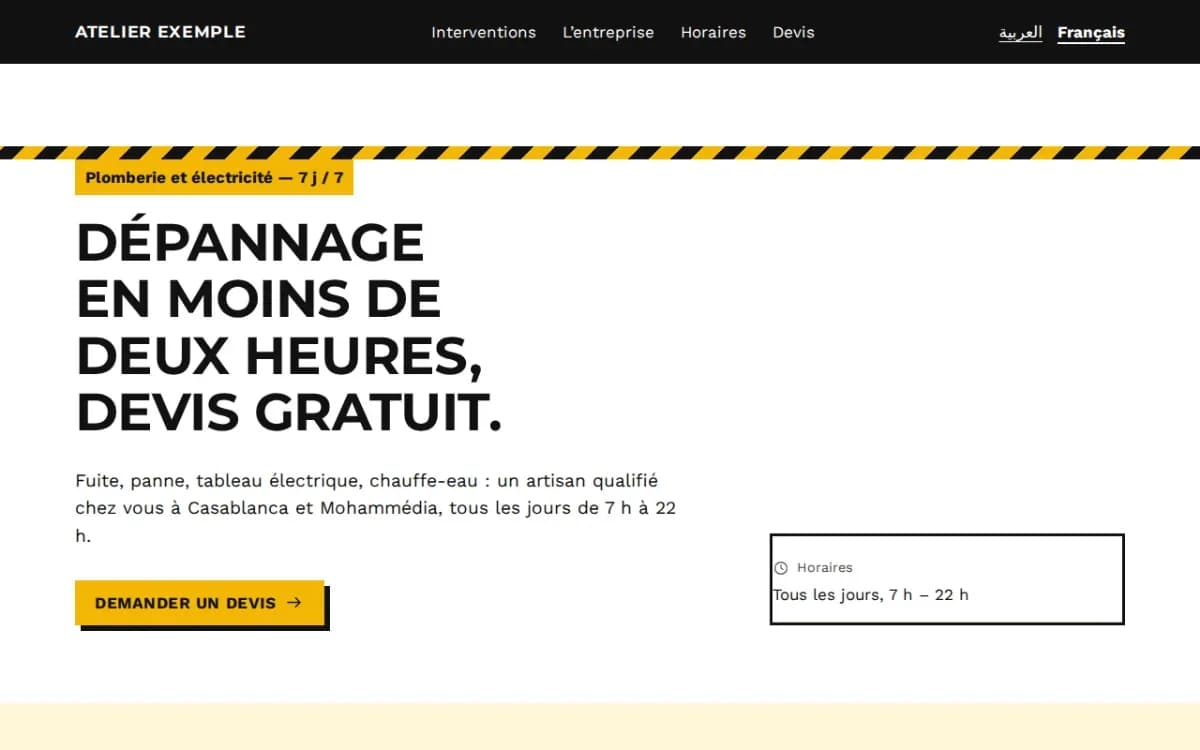
ChantierLanding
Safety yellow and black
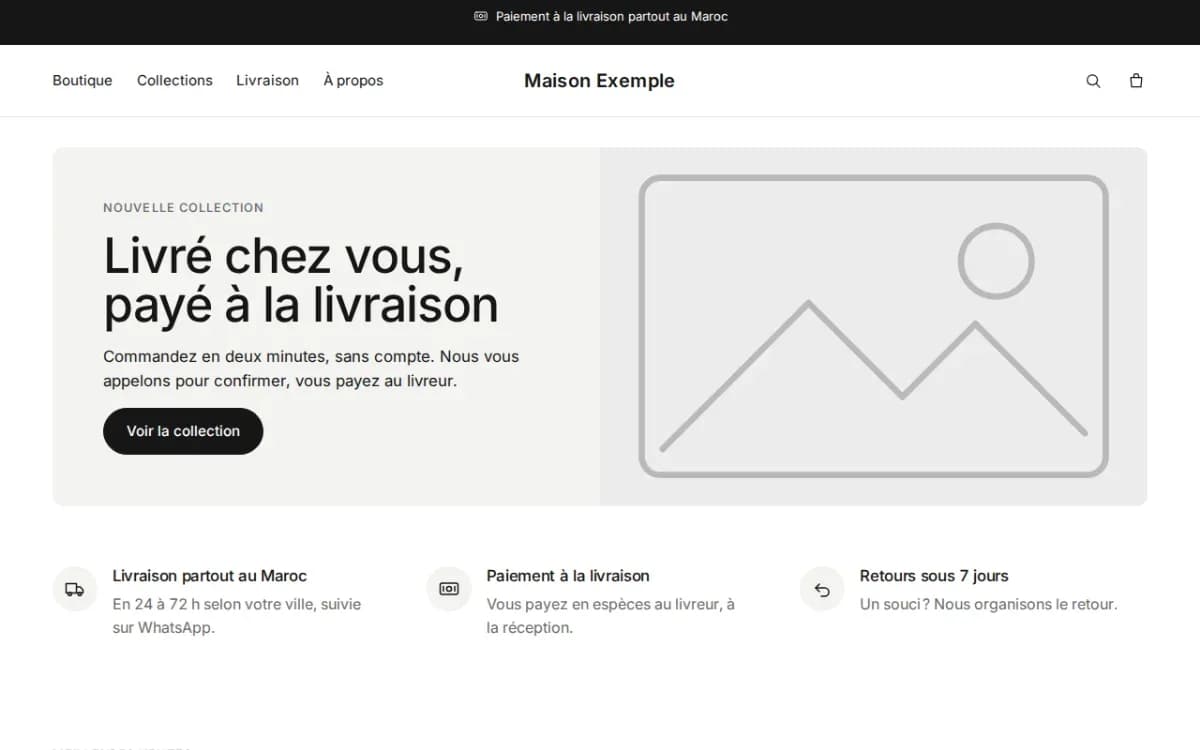
EssentielStore
Clean and versatile
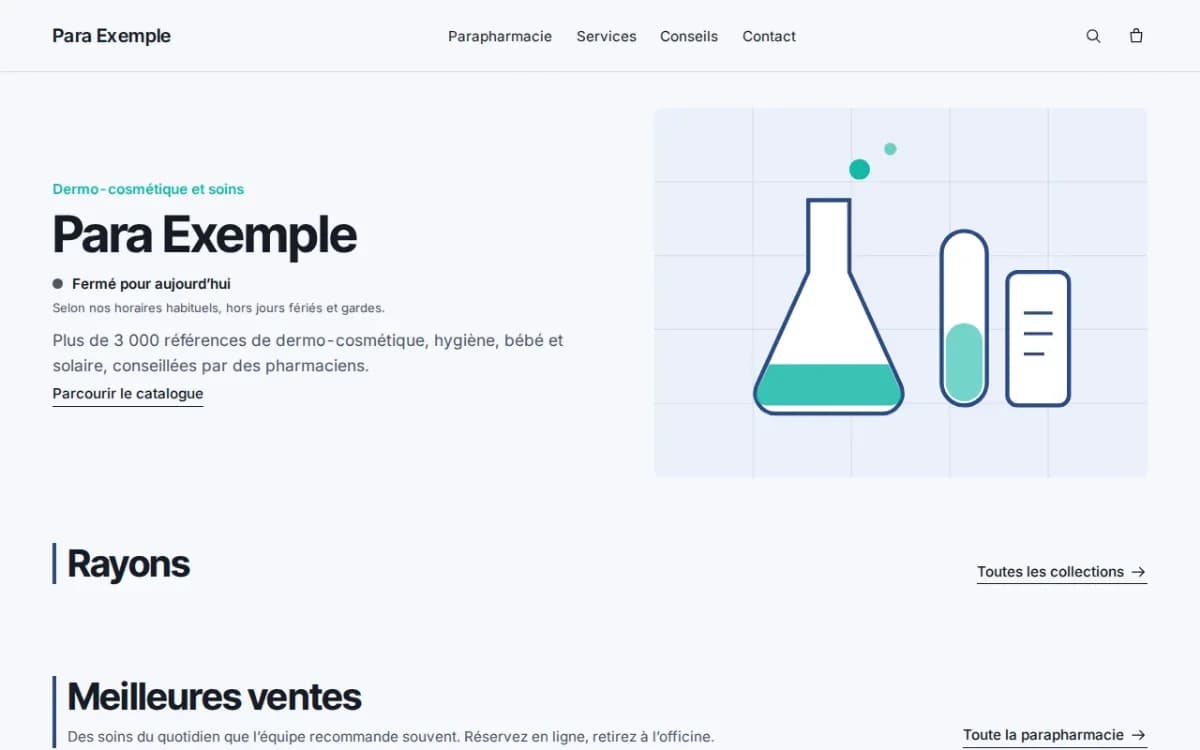
LaboParapharmacy
Dermo-cosmetics, dense catalogue
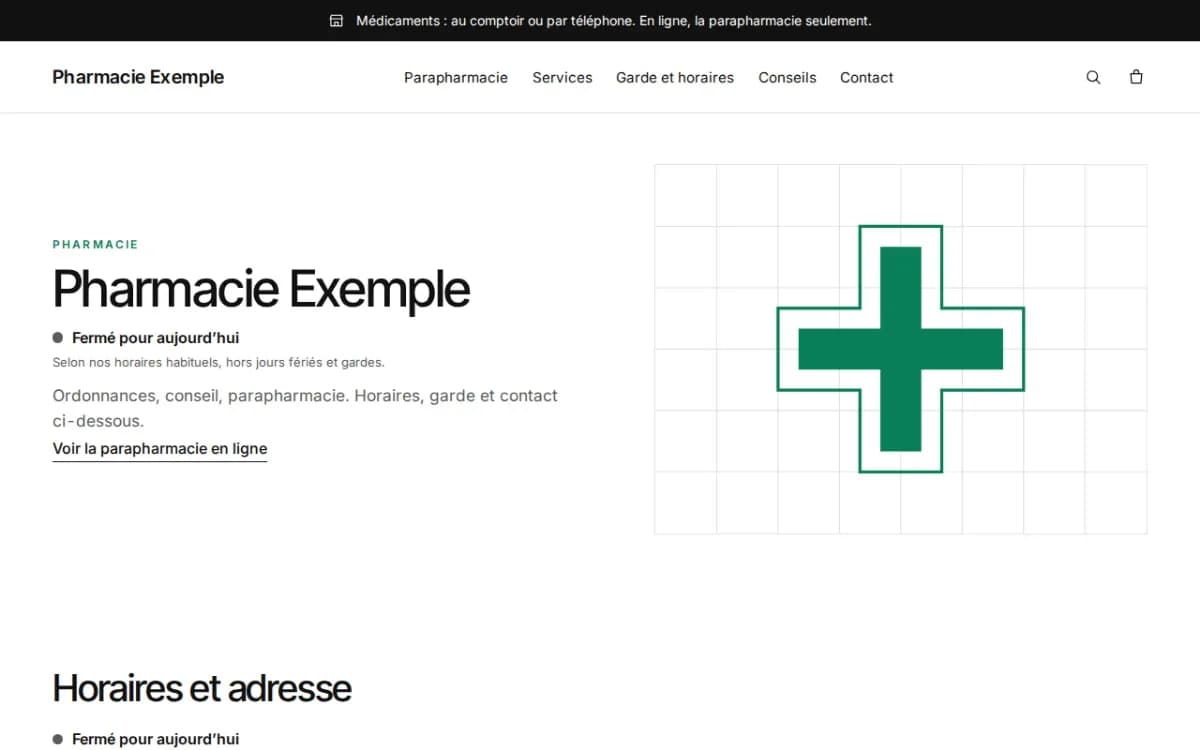
CliniquePharmacy
Pared back, ink and fine rules
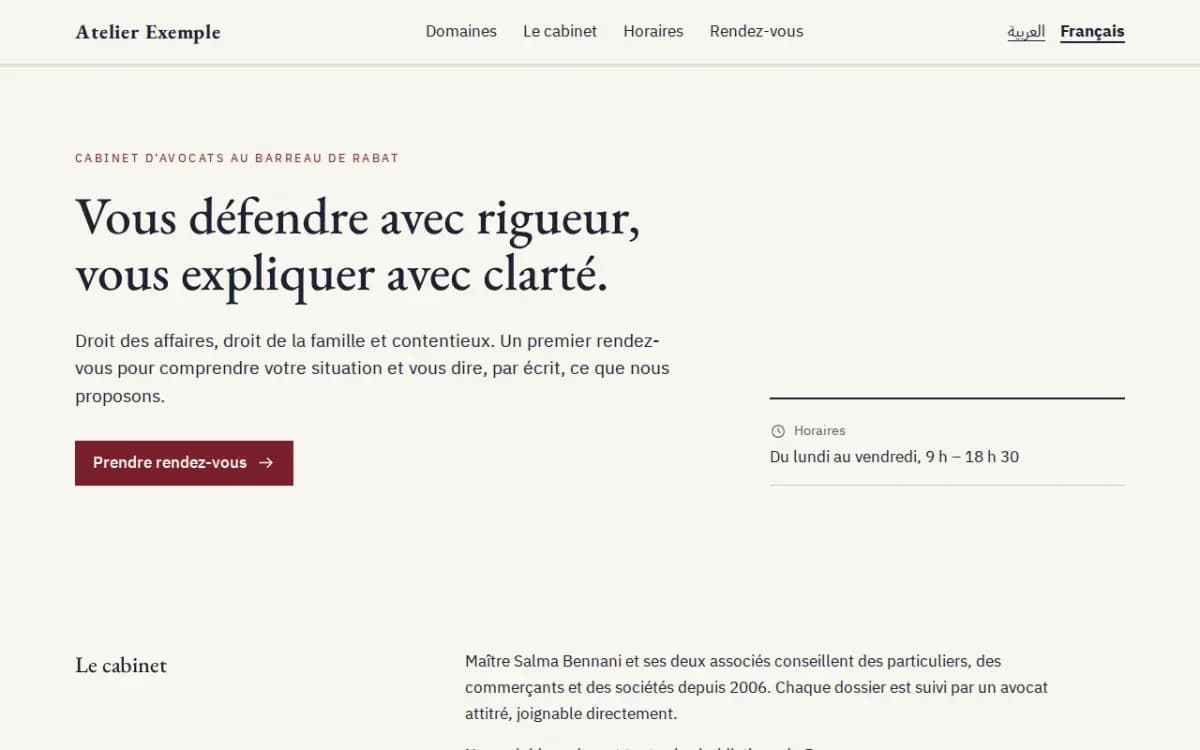
CabinetLanding
Ivory and burgundy
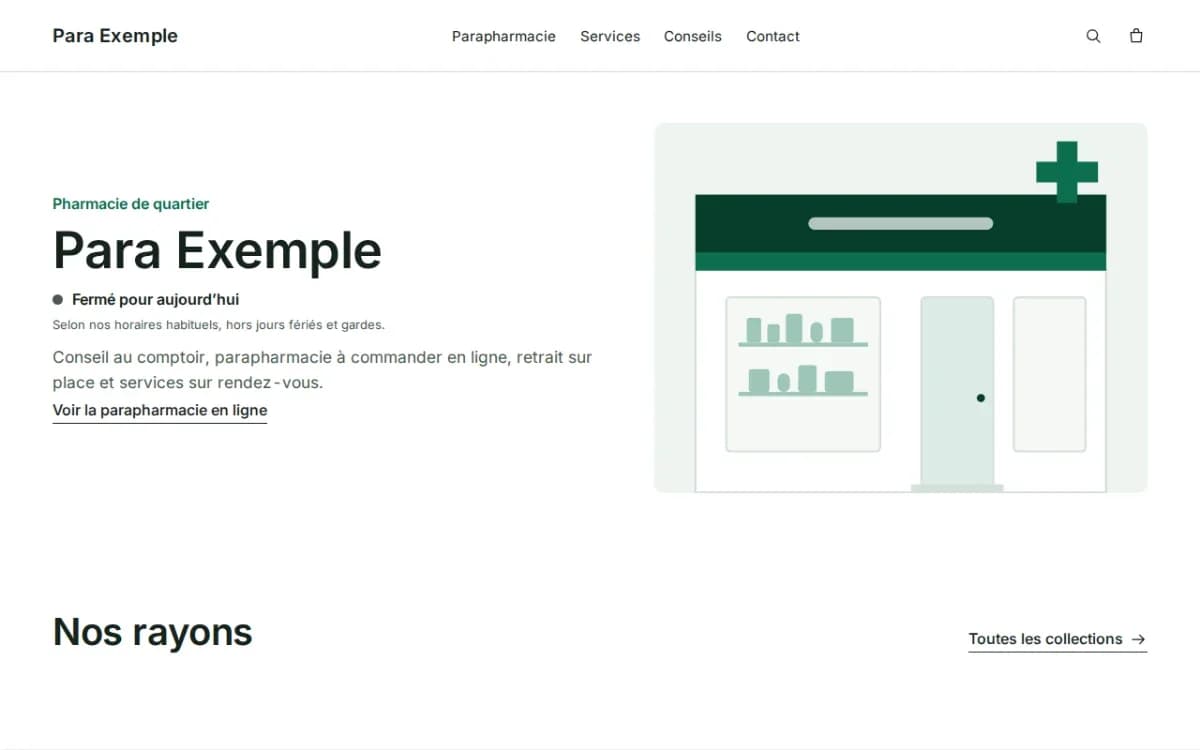
FraîcheurParapharmacy
Pharmacy green, light and reassuring
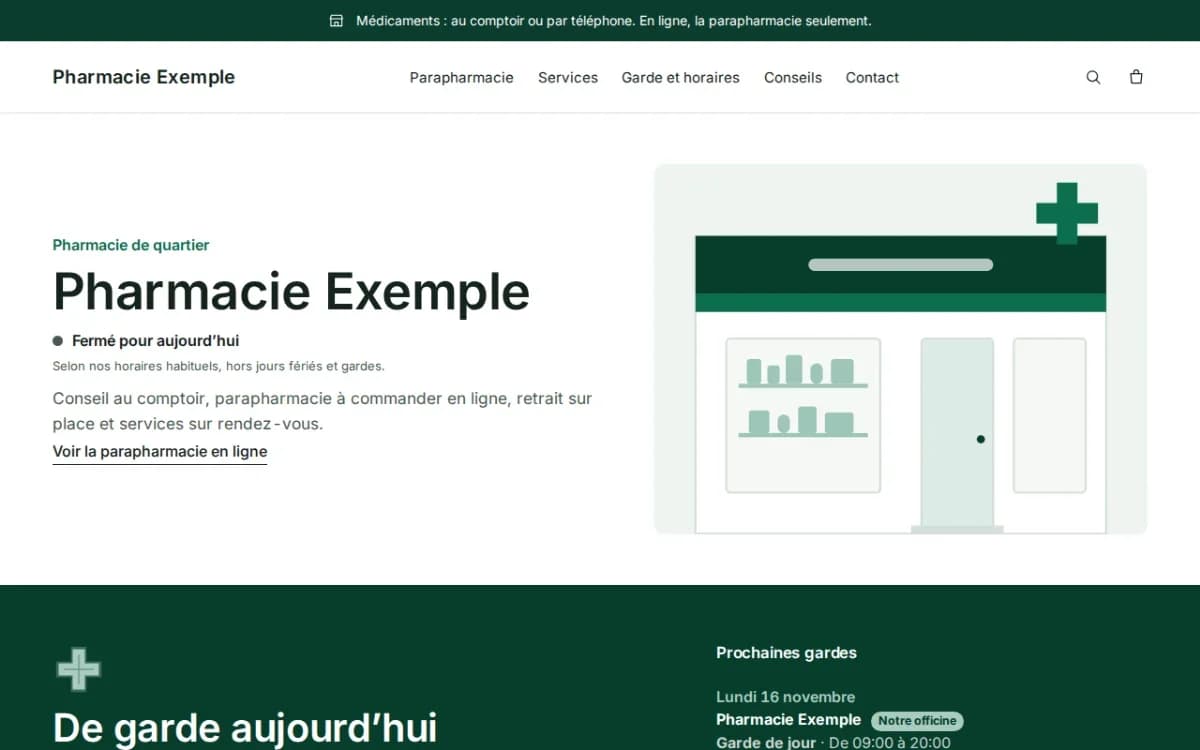
OfficinePharmacy
Pharmacy green, the cross up front
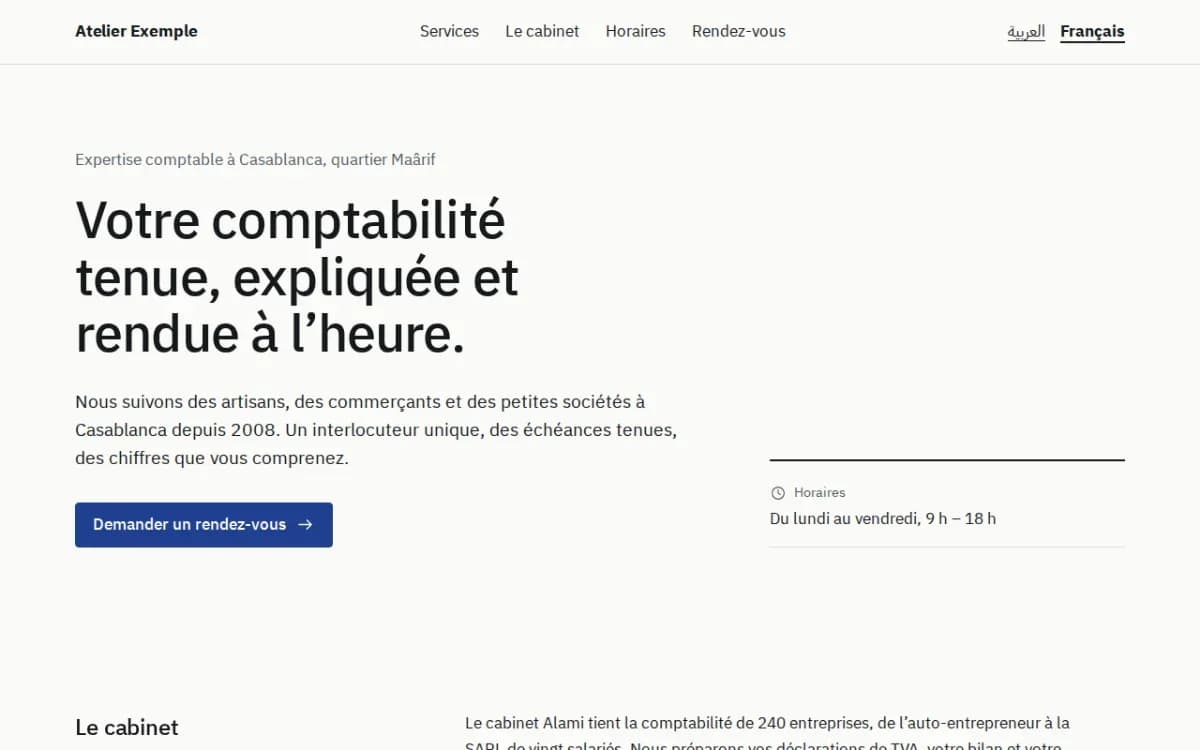
RegistreLanding
Sober, text first
A real checkout, not an add-on.
Opening a session, taking payment, parked carts, closing: the MODO checkout follows a counter's day, from the first coffee to the Z report.
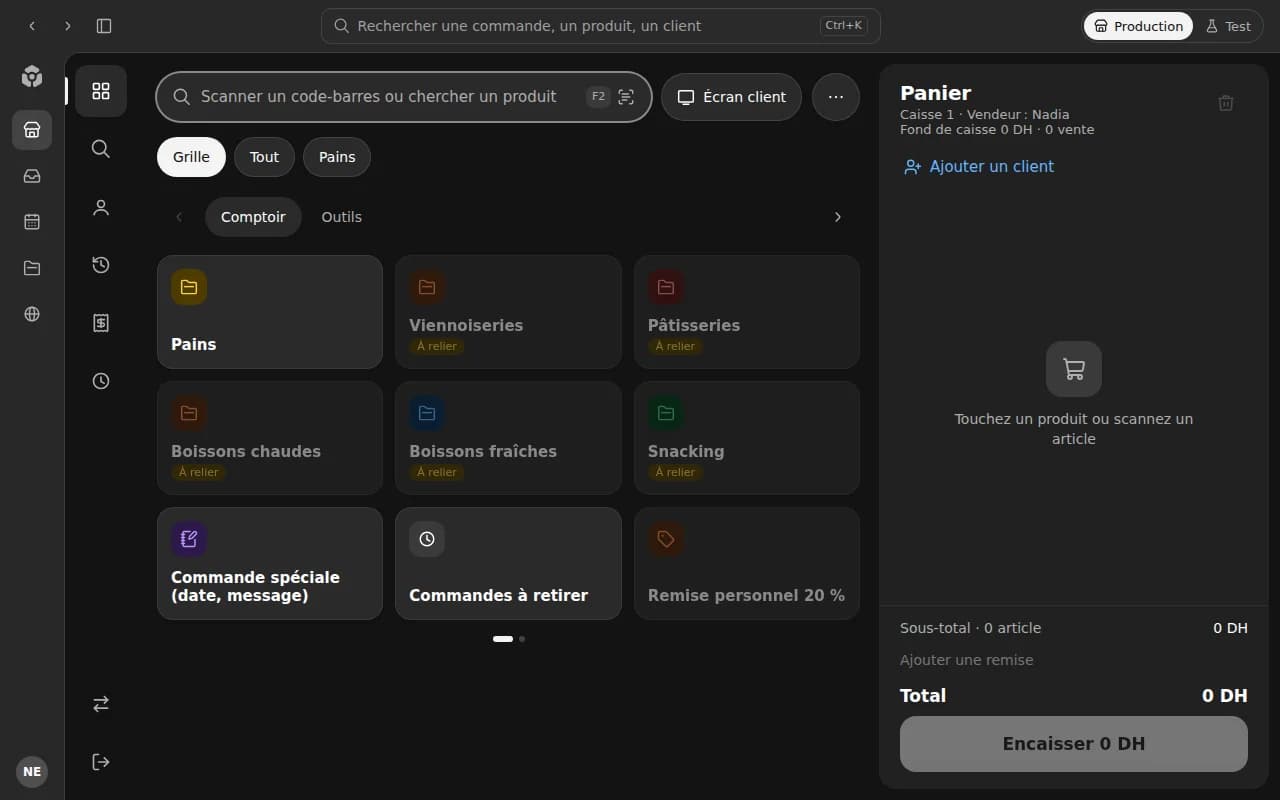
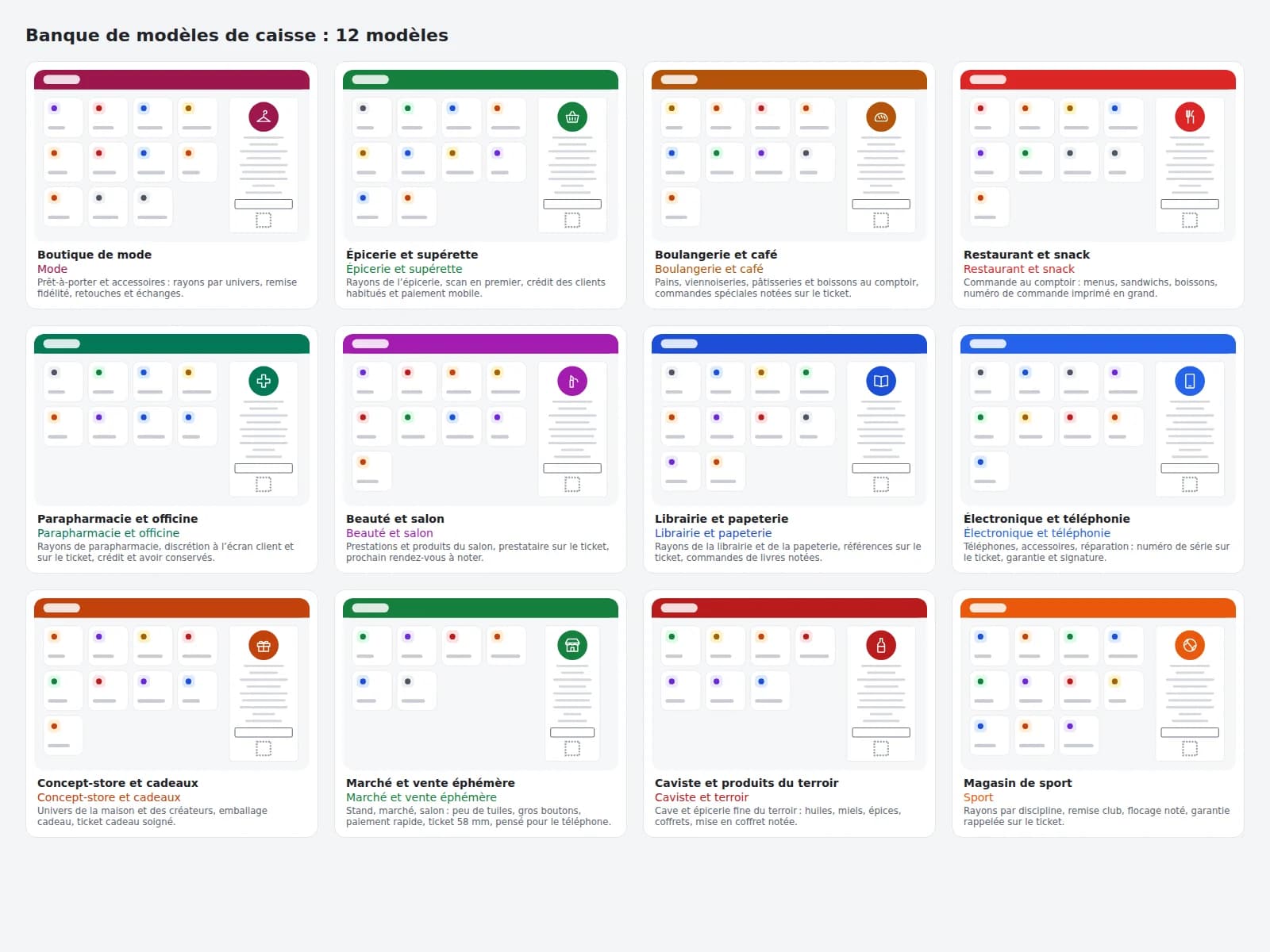
12 templates by trade
Fashion, grocery, bakery, restaurant, parapharmacy, beauty, bookshop, electronics, concept store, market, wine shop, sport. Grid, receipts and customer display apply in one click, and roll back.
History, Alt+H
Find a sale by number, customer or amount; reprint, send by WhatsApp, refund in part.
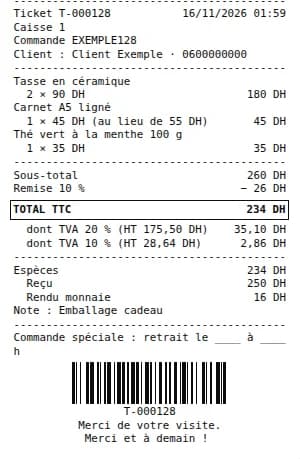
80 or 58 mm receipts
VAT by rate, discount, change, barcode. Gift and return receipts, each with its own template.
Every counter payment
Cash, card, split payment, meal voucher, transfer, cheque, on account or store credit.
Pharmacy
Search by INN and equivalents, prescription attached to the sale, batches and expiry dates.
Built to sell in Morocco.
Paying at the door, cities, two languages and the dirham are not optional settings: MODO starts there.
- Cash on delivery
- Each order arrives “To confirm”. You call or message on WhatsApp, and MODO keeps the reliability of each phone number.
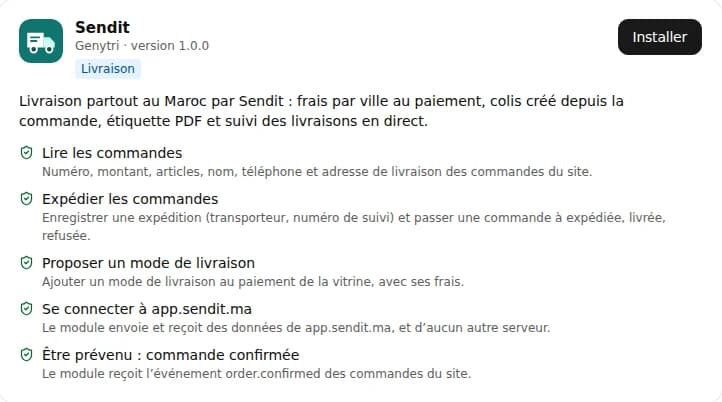
- Sendit delivery
- Fees by city at checkout, parcel created from the order, PDF label, delivery tracking.
- Your cities, your zones
- Your own zones, cities, fees and lead times, in-store pickup, delivery date shown to the customer.
- French and Arabic
- Storefronts in French, right-to-left Arabic and English.
- Dirhams and VAT
- Prices in DH, VAT by rate on the receipt, ICE, IF, RC and patente details.
- Pharmacy
- No medicine is ever sold online. At the counter: numbered register, batches, counter credit.
Coming soon: card payment with Zazu.
What runs behind the counter.
- Support chat
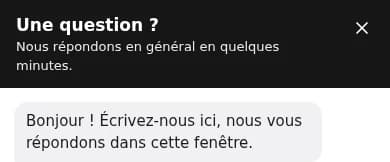
- A “Chat with us” button on every storefront page. You answer from Support; the customer is notified by e-mail.
- Test and Production
- Every site has its test store behind a password. Try, compare, publish, roll back.
- AI assistant over MCP
- Claude, Cursor or VS Code act in MODO with your rights. Any deletion asks for your approval.
- SDK and CLI
- modo theme dev, push, publish: your themes are worked like code, with branches.
- Live view
- Visitors right now, today's sales online and in store, on a wall screen if you like.
Frequently asked questions
What is MODO?
MODO is Genytri's commerce engine: an online store, an in-store checkout and a back office for orders, stock, customers and deliveries. You open it with a Genytri account.
How do my customers pay for an online order?
On delivery. Each order starts as “To confirm”: you call the customer or message them on WhatsApp, and MODO keeps the reliability of their number. Card payment with Zazu is coming soon.
Is delivery built in?
Yes, with the Sendit module: fees by city at checkout, parcel created from the order, PDF label and tracking. You can also set your own zones, cities, fees and lead times, and in-store pickup.
What do I need for the checkout?
A tablet or a phone with a browser, and a barcode scanner if you like. Receipts print at 80 or 58 mm. Twelve checkout templates by trade give you a starting point.
Which sites can I create?
A store, a parapharmacy, a pharmacy or a landing page, each with five theme templates, at your-name.genytri.online. Your own domain is coming soon.
Is MODO suited to a pharmacy?
Yes. A pharmacy's website never sells medicines online; parapharmacy can be ordered for pickup or delivery. At the counter: numbered register, batches and expiry dates, counter credit and loyalty.
Your store can open today.
A Genytri account is all you need. Your site answers at your-name.genytri.online, your checkout on the counter's tablet.